
POS Guidance
POS Systems That Fit How You Sell
Denelope, LLC helps businesses compare point-of-sale options, understand hardware and software needs, and choose payment tools that support smoother checkout, better reporting, and reliable processing.
Overview
What To Look For In A POS
A strong POS setup should support daily operations, reduce friction at checkout, and give you clear visibility into sales activity. The right solution depends on your business model, transaction volume, and how your team works.
Choosing the Right Hardware
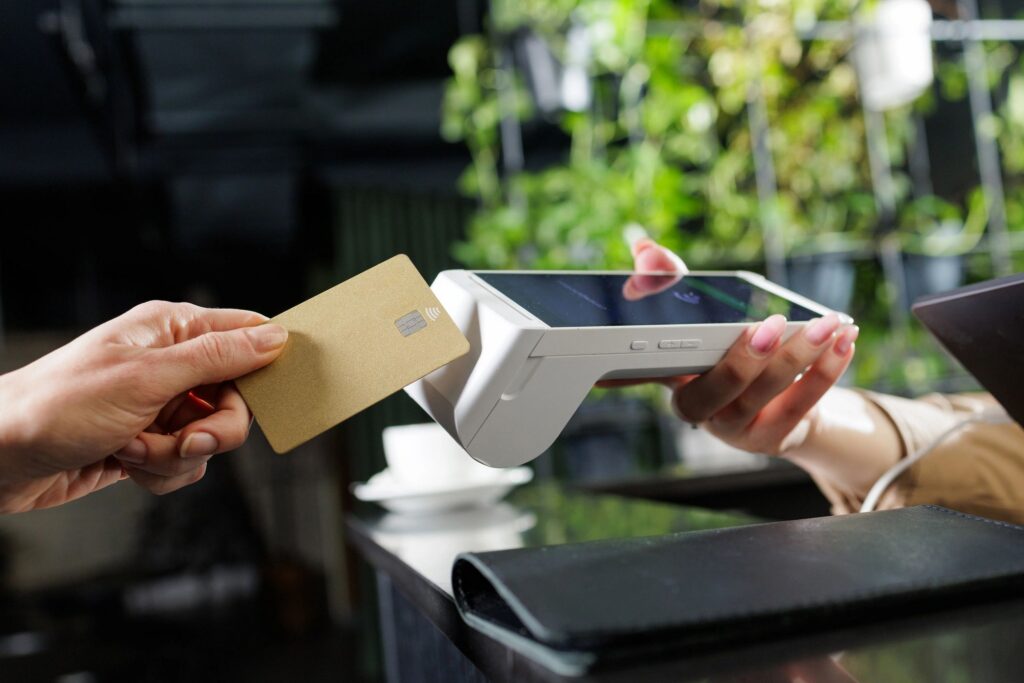
Choose terminals, registers, handhelds, and peripherals that match your counter space, mobility needs, and customer flow.
Software Features
Review inventory tools, reporting, employee permissions, customer management, and integrations before committing to a platform.
Payment Compatibility
Make sure the POS works smoothly with your processor, supports modern payment methods, and avoids unnecessary complexity.
Long-Term Support
Look for dependable onboarding, responsive support, and a system that can scale as locations, staff, or transaction needs change.
Solutions
Popular POS Solutions
Denelope helps businesses compare POS systems based on industry, workflow, budget, and growth plans. Explore a few of the platforms we commonly evaluate with clients.



Why Work with Denelope?
Independent guidance focused on finding the right solution– not pushing a specific platform
Common POS Questions
Do I need a new POS to lower processing costs?
Not always. In some cases your current setup can be optimized. In others, a different POS and processor combination may create better long-term value.
Can a POS work with my current processor?
That depends on the platform. Some systems are processor-agnostic, while others are tied to specific payment providers or pricing models.
What features matter most?
The answer depends on your business, but common priorities include reporting, inventory, mobility, integrations, staff controls, and ease of use.
How long does switching take?
Timelines vary based on hardware, setup, data migration, and training. Planning ahead helps reduce disruption during rollout.
Should I lease or buy equipment?
That decision depends on budget, contract terms, and upgrade plans. We help businesses compare total cost and flexibility before deciding.
Can you help compare providers?
Yes. Denelope, LLC can review options, explain tradeoffs, and help you evaluate providers based on fit, support, and overall processing value.